




 Upcoming Events
 Event Series
 On-Demand Events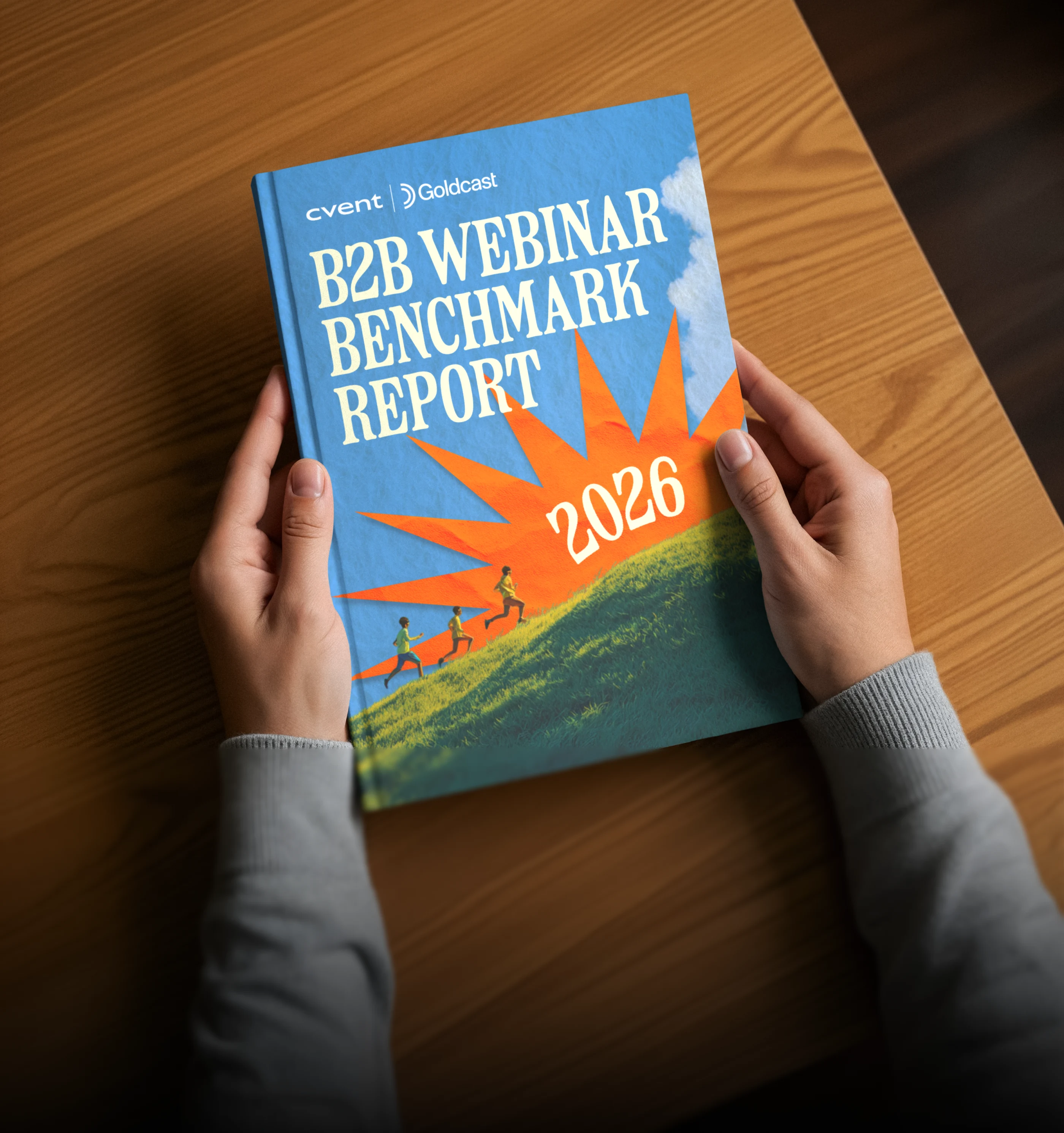


What's the Difference Between a Webinar and a Virtual Event?

Table of Contents
Maximize Your Marketing ROI
Join 10,000 other marketers already getting the best tips on running engaging events that boost pipeline and create raving fans.
If you’ve planned or attended either one, you know there are some important differences between a webinar and virtual event. For B2B marketers, webinars are the perfect avenue for recurring series, product launches, big announcements, and self-serve sales demos.
Virtual events are the go-to when you want to pull your audience in and mirror the in-person event experience more closely.
Here’s what we’ll cover:
- Webinars vs. virtual events: unblurring the lines
- The top 5 differences between webinars and virtual events
- How to choose the right event type
Webinars vs. virtual events: what’s the difference?
Webinars take the classic seminar and put it online. Early webinars were a leap from clunky video decks (farewell, grainy overhead projectors!). They added an extra layer of interaction via Q&A, knowledge sharing, and networking across time zones.
Virtual events go bigger and longer. Think summits, conferences, even virtual galas. Enhanced branding, richer engagement, and deeper attendee data elevate every part of the experience.
The top 5 differences between virtual events and webinars
The right answers come from asking the right questions. What are you trying to do with your event? What do you want the change to be before vs. after? Choose the format that best supports the number one thing you want to see happen as a result of your webinar or virtual event.
1. Virtual events are multi-dimensional. Webinars go big on a single topic.
Webinars go deep on a single topic using a familiar format: speaker, presentation, Q&A.
A virtual event goes a step further by replicating the in-person event experience. There’s usually a buffet of content sessions on the program. Attendees can dip into talks, browse conversations in other rooms, and even engage in impromptu one-on-one conversations with sponsors and attendees.
Data tip: For webinars, tight timing wins. The median run time is still 60 minutes according to our latest Webinar Benchmark Report, but 30-minute sessions are growing fast. Use them for “one big idea” topics or focused demos.
2. Webinars provide surface-level attendee data. Virtual events let you dive in deep.
For decades, marketers had little to show for their events aside from the occasional glowing attendee review. Without data, there’s no way of proving your success.
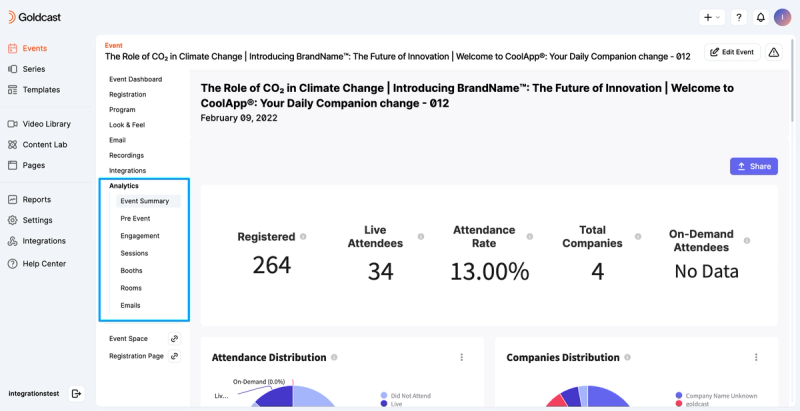
Both virtual events and webinars make it easy to see who attended, how long they stayed, and what questions were asked in the chat. But virtual events take it to the next level.
With more content choices and engagement options, you get first-party intent data you can attribute to real revenue.
The data also revealed that CRM/MAP integration is now table stakes according to our data, even for webinars (HubSpot ~50% adoption; Marketo ~28%; Salesforce ~24%). No matter which format you’re using, plan your routing and scoring up front.
Data tip: Deciding between live versus pre-recorded webinars? Live works best for real-time Q&A and product launches. Pre-recorded and on-demand webinars are ideal for demos, training, and global audiences who need flexible viewing.
3. Virtual events provide account-level insights. Webinars give you group data.
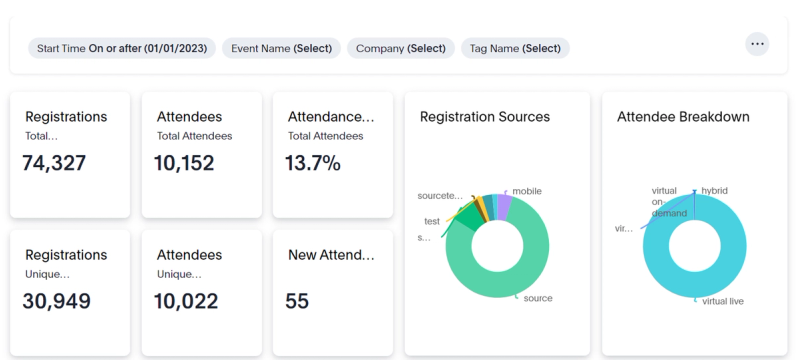
Webinars allow you to track the core attendee journey: if they turned up, if they stayed for the duration, and how they interacted.
With virtual events, you can track every step each individual attendee takes throughout their event experience. Every click, session view, resource download, poll answer, question asked, booth visited, demo watched, and more.
The more insights you have on each account in your pipeline, the more specific and need-meeting the conversation becomes.
4. Both go big on engagement.
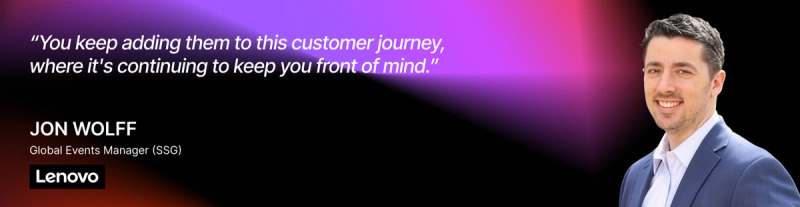
With an interactive platform, you have a range of options for keeping your audience engaged. And that goes for both virtual events and webinars.
Layer your events for a value-first experience that keeps you close to prospects every step of the way. This is similar to what the folks at MarketingProfs refer to as the "virtual sandwich method." Instead of shooting attendees a thank you email and calling it a day, keep “padding” the experience on both sides. Add them to a future email letting them know which in-person and VIP events you’ll be at, and that you’re looking forward to seeing them.
5. Virtual events tell your brand story. Webinars stick to the topic.
Virtual events give your attendee the “hotel ballroom” experience with flexible formats, creative delivery, and richer engagement to build connection.
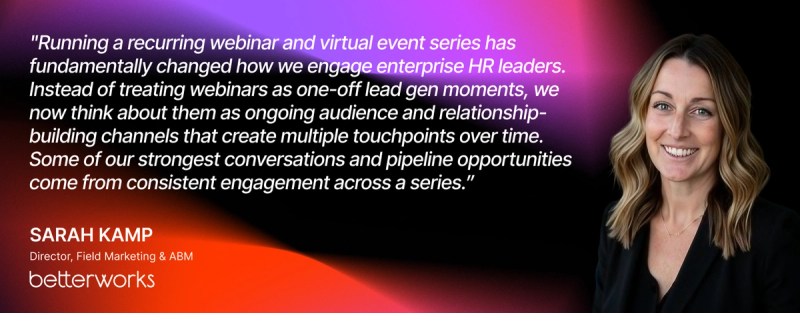
But just because webinars are shorter doesn’t mean they can’t tell a compelling story. Even if your webinar audience thinks they know the drill, borrow from the virtual playbook to make a strong first impression with a fully branded webinar or recurring series that sets you apart while reinforcing thought leadership.
Focus on what you and your attendees want
Successful event strategies need variety. Virtual events can help you build a deep connection with your audience, and webinars have defended their throne for a reason.
The best format comes down to the same two questions:
- What’s in it for your audience?
- What’s in it for you?
If you’re focused on deep data and want to wow your audience with a fully branded event experience, virtual events are your go-to. If curating a full virtual event isn’t possible or necessary, webinars are there to help fill knowledge and marketing gaps.
With the right content and platform, there’s no reason you can’t leverage both options to make your revenue goals a reality.
See Goldcast in Action
Get a personalized walkthrough of how top teams run high-converting webinars and virtual events.
FAQs
When should I choose a webinar vs. a virtual event?
Pick a webinar for a single-topic goal (education, demo, announcement) you can deliver in 30–60 minutes and repeat as a series. Choose a virtual event when you need multi-session depth with keynotes, breakouts, booths, and networking to mirror an in‑person experience and build pipeline across roles.
What’s the difference in data and attribution?
Webinars capture attendance, watch time, chat/Q&A, polls, and resource clicks (all pipe cleanly into your CRM/MAP). Virtual events add session‑level and account‑level intent across rooms and tracks, giving you more buying‑committee context and clearer revenue attribution.
How do length and scheduling vary?
Webinars perform best at 45-60 minutes (30 minutes for focused demos) and typically run mid‑week; Tuesday midday ET balances registrations and attendance. Virtual events are half‑day to multi‑day with anchor keynotes at overlap windows.
Transform Your Video Marketing with AI
© 2026 Copyright Goldcast, Inc. All rights reserved.
YOUR PRIVACY CHOICES